

Label
Labels are used to display text in Kivy’s interface.
Overview
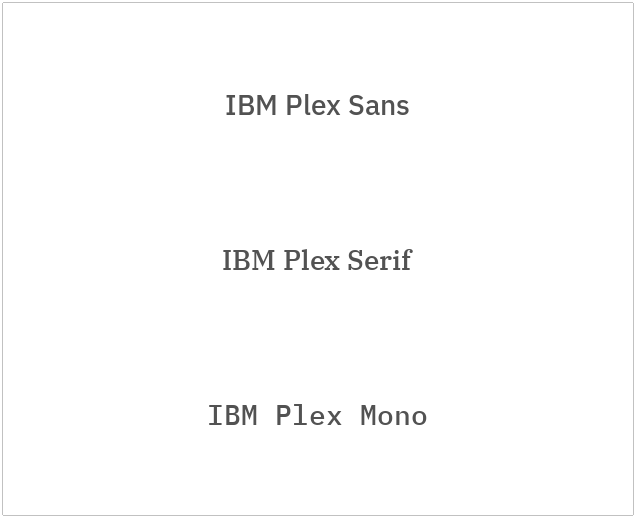
The Label widget is used to display non-editable text in a Kivy application. It is primarily employed for presenting static content such as titles, descriptions, instructions, messages, and status indicators throughout the user interface.
The CLabel class extends the functionality of Label by introducing additional properties aligned with the Carbon Design System. These enhancements enable consistent typography, styling, and sizing based on the IBM Plex typeface, ensuring a cohesive and modern visual experience.
Custom Labels
Let’s start with an example;
API
- class carbonkivy.uix.label.label.CLabel(*args: Any, **kwargs: Any)[source]
Bases:
AdaptiveBehavior,BackgroundColorBehaviorRectangular,Label- style
OptionProperty(*largs, **kw) Property that represents a string from a predefined list of valid
options.
If the string set in the property is not in the list of valid options (passed at property creation time), a ValueError exception will be raised.
- Parameters:
- default: any valid type in the list of options
Specifies the default value of the property.
- **kwargs: a list of keyword arguments
Should include an options parameter specifying a list (not tuple) of valid options.
For example:
class MyWidget(Widget):
    state = OptionProperty("None", options=["On", "Off", "None"])
- typeface
OptionProperty(*largs, **kw) Property that represents a string from a predefined list of valid
options.
If the string set in the property is not in the list of valid options (passed at property creation time), a ValueError exception will be raised.
- Parameters:
- default: any valid type in the list of options
Specifies the default value of the property.
- **kwargs: a list of keyword arguments
Should include an options parameter specifying a list (not tuple) of valid options.
For example:
class MyWidget(Widget):
    state = OptionProperty("None", options=["On", "Off", "None"])
- update_specs(*args)[source]
- weight_style
OptionProperty(*largs, **kw) Property that represents a string from a predefined list of valid
options.
If the string set in the property is not in the list of valid options (passed at property creation time), a ValueError exception will be raised.
- Parameters:
- default: any valid type in the list of options
Specifies the default value of the property.
- **kwargs: a list of keyword arguments
Should include an options parameter specifying a list (not tuple) of valid options.
For example:
class MyWidget(Widget):
    state = OptionProperty("None", options=["On", "Off", "None"])