

Toggle
Overview
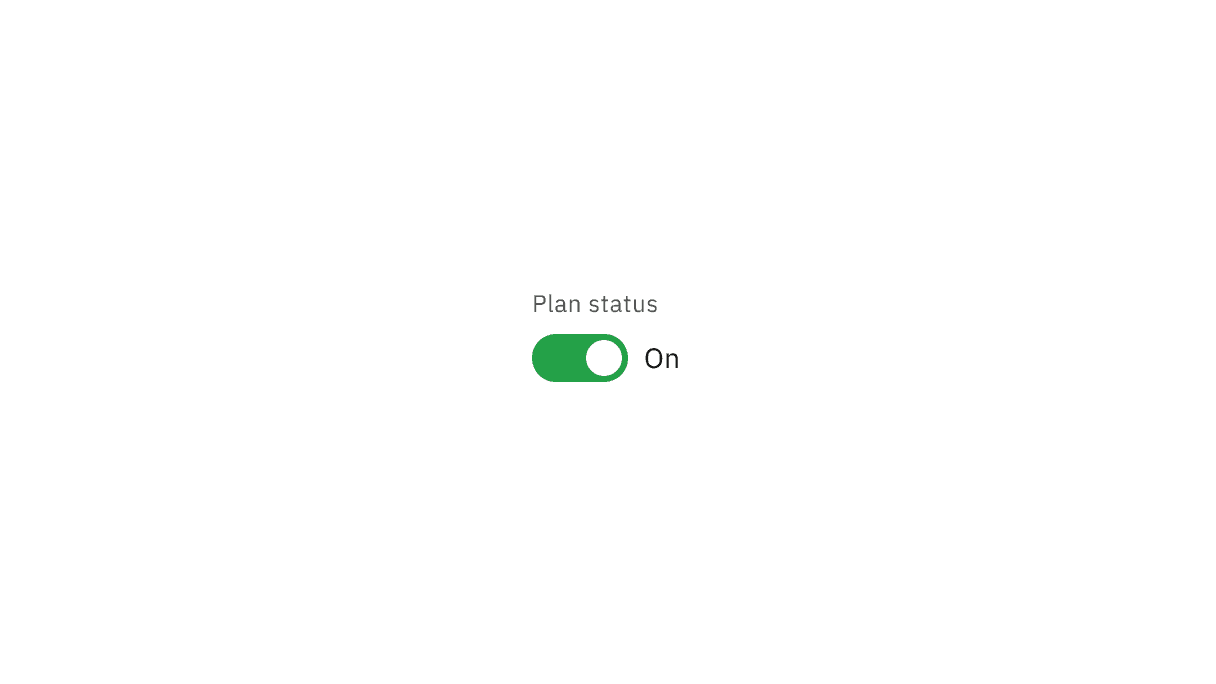
Toggle is a control that is used to quickly switch between two possible states. Toggles are only used for these binary actions that occur immediately after the user “flips the switch”. They are commonly used for “on/off” switches.
Live demo
Note
This live demo contains only a preview of functionality and styles available for this component. Actual widgets may not show the exact same behavior but similar to expected.
CToggle:
Size
There are two available size tokens for a toggle:
Small
Large
Use the role property to define the token for the toggle size.
CToggle:
    role: "Small"
Example
import os
import sys

from kivy.resources import resource_add_path

sys.path.insert(0, os.path.dirname(__file__))
resource_add_path(os.path.dirname(__file__))

from kivy.clock import Clock
from kivy.core.window import Window

def set_softinput(*args) -> None:
    Window.keyboard_anim_args = {"d": 0.2, "t": "in_out_expo"}
    Window.softinput_mode = "below_target"


Window.on_restore(Clock.schedule_once(set_softinput, 0.1))

appkv = """
CScreen:

    CToggle:
        pos_hint: {"center_x": 0.5, "center_y": 0.5}
"""

from kivy.lang import Builder

from carbonkivy.app import CarbonApp
from carbonkivy.uix.screen import CScreen


class myapp(CarbonApp):
    def __init__(self, *args, **kwargs):
        super(myapp, self).__init__(*args, **kwargs)

    def build(self) -> CScreen:
        screen = Builder.load_string(appkv)
        return screen


if __name__ == "__main__":
    myapp().run()
API
- class carbonkivy.uix.toggle.toggle.CToggle(*args: Any, **kwargs: Any)[source]
Bases:
BackgroundColorBehaviorCircular,StateFocusBehavior,ButtonBehavior,DeclarativeBehavior,RelativeLayout- active[source]
BooleanProperty(defaultvalue=True, **kw) Property that represents only a boolean value.
- Parameters:
- defaultvalue: boolean
Specifies the default value of the property.
- handle_pos[source]
ListProperty(defaultvalue=0, **kw) Property that represents a list.
- Parameters:
- defaultvalue: list, defaults to []
Specifies the default value of the property.
Warning
When assigning a list to a
ListProperty, the list stored in the property is a shallow copy of the list and not the original list. This can be demonstrated with the following example:>>> class MyWidget(Widget): >>> my_list = ListProperty([]) >>> widget = MyWidget() >>> my_list = [1, 5, {'hi': 'hello'}] >>> widget.my_list = my_list >>> print(my_list is widget.my_list) False >>> my_list.append(10) >>> print(my_list, widget.my_list) [1, 5, {'hi': 'hello'}, 10] [1, 5, {'hi': 'hello'}]However, changes to nested levels will affect the property as well, since the property uses a shallow copy of my_list.
>>> my_list[2]['hi'] = 'bye'
>>> print(my_list, widget.my_list)
[1, 5, {'hi': 'bye'}, 10] [1, 5, {'hi': 'bye'}]
- handle_size[source]
VariableListProperty(defaultvalue=None, length=4, **kw) A ListProperty that allows you to work with a variable amount of
list items and to expand them to the desired list size.
For example, GridLayout’s padding used to just accept one numeric value which was applied equally to the left, top, right and bottom of the GridLayout. Now padding can be given one, two or four values, which are expanded into a length four list [left, top, right, bottom] and stored in the property.
- Parameters:
- default: a default list of values
Specifies the default values for the list.
- length: int, one of 2 or 4.
Specifies the length of the final list. The default list will be expanded to match a list of this length.
- **kwargs: a list of keyword arguments
Not currently used.
Keeping in mind that the default list is expanded to a list of length 4, here are some examples of how VariableListProperty is handled.
VariableListProperty([1]) represents [1, 1, 1, 1].
VariableListProperty([1, 2]) represents [1, 2, 1, 2].
VariableListProperty([‘1px’, (2, ‘px’), 3, 4.0]) represents [1, 2, 3, 4.0].
VariableListProperty(5) represents [5, 5, 5, 5].
VariableListProperty(3, length=2) represents [3, 3].
Added in version 1.7.0.
- on_kv_post(base_widget)[source]
- role[source]
OptionProperty(*largs, **kw) Property that represents a string from a predefined list of valid
options.
If the string set in the property is not in the list of valid options (passed at property creation time), a ValueError exception will be raised.
- Parameters:
- default: any valid type in the list of options
Specifies the default value of the property.
- **kwargs: a list of keyword arguments
Should include an options parameter specifying a list (not tuple) of valid options.
For example:
class MyWidget(Widget):
    state = OptionProperty("None", options=["On", "Off", "None"])